iOS App — App Store
WebView-OK
From backend to fullstack to engineering lead —
first time touching Swift, vibe-coded with AI.
A real-device verification tool for WebView developers.
Problem
Apps generally fall into two categories: fully native, or hybrid apps that embed web content via WebView. WebView is essentially a webpage running inside a native app shell. As a system integrator (SI), we frequently need to embed WebViews in client apps — but none of the existing tools provided a convenient way to verify WebView behavior on real devices.
My background is backend engineering — I grew into fullstack, then took on an engineering lead role. Swift and Xcode were completely new territory, but my team was hitting WebView verification pain points on a client project. I wanted to build a universal, easy-to-use tool to solve it. So I decided to vibe code it from scratch with AI.
Process
Requirements & AI Collaboration
Catalogued the team's everyday WebView pain points: incorrect Safe Area padding, no quick way to switch User-Agent headers, no console for debugging. Broke down the requirements, then handed the entire Swift implementation to AI — a full vibe coding exercise.
Gesture System Design
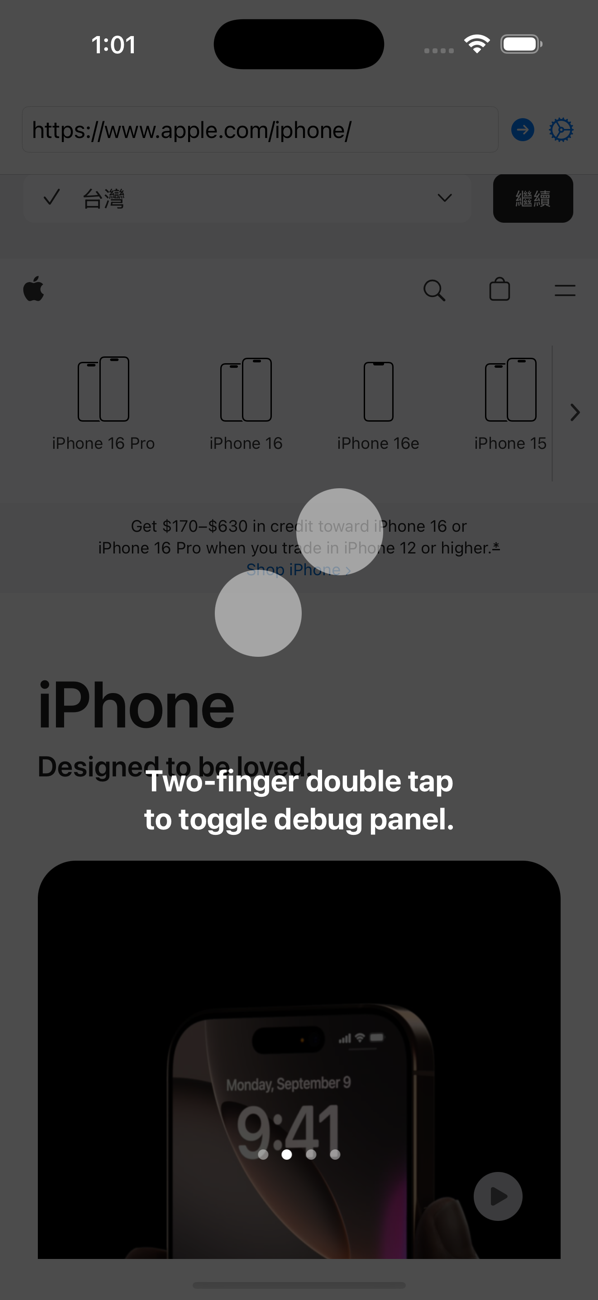
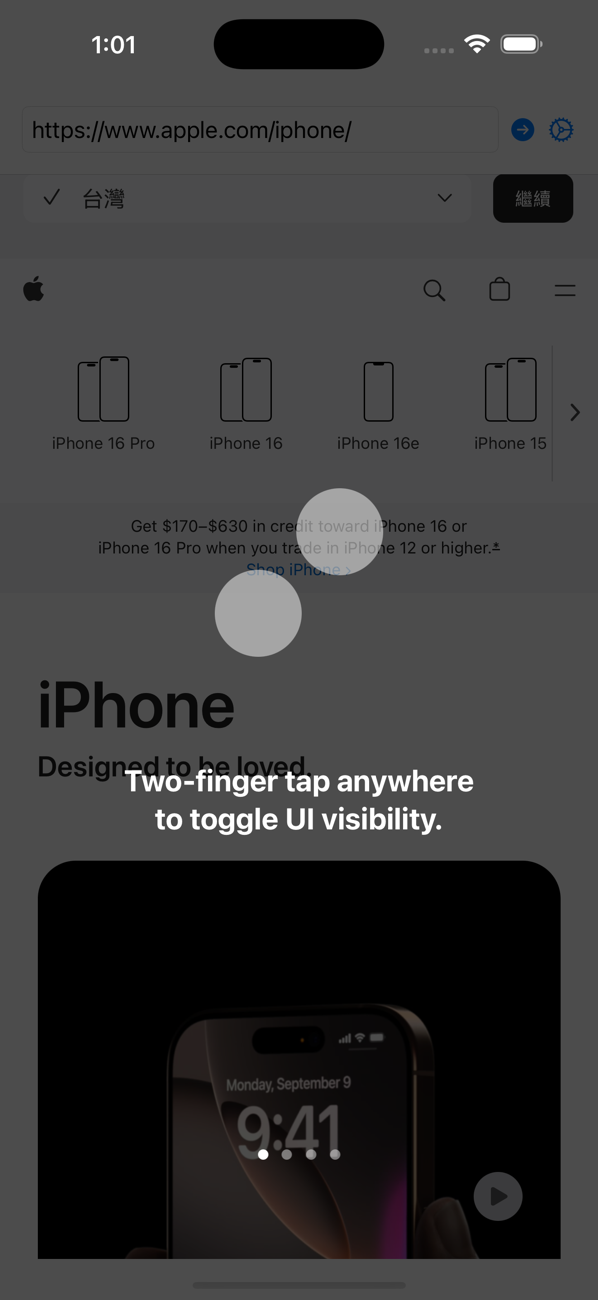
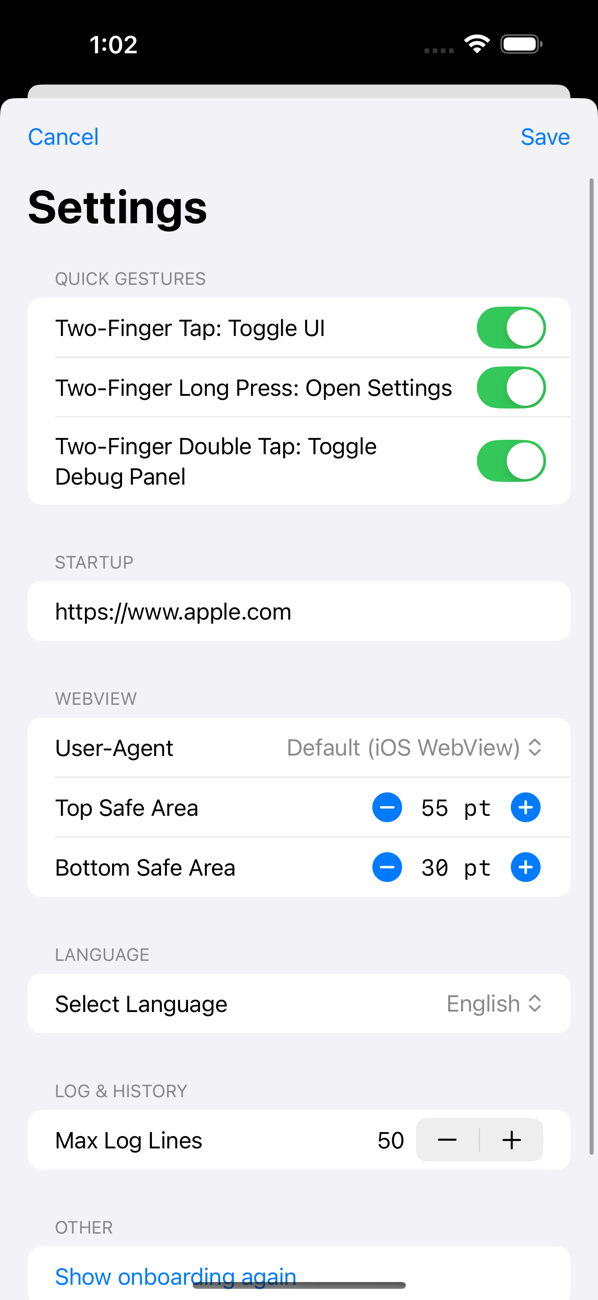
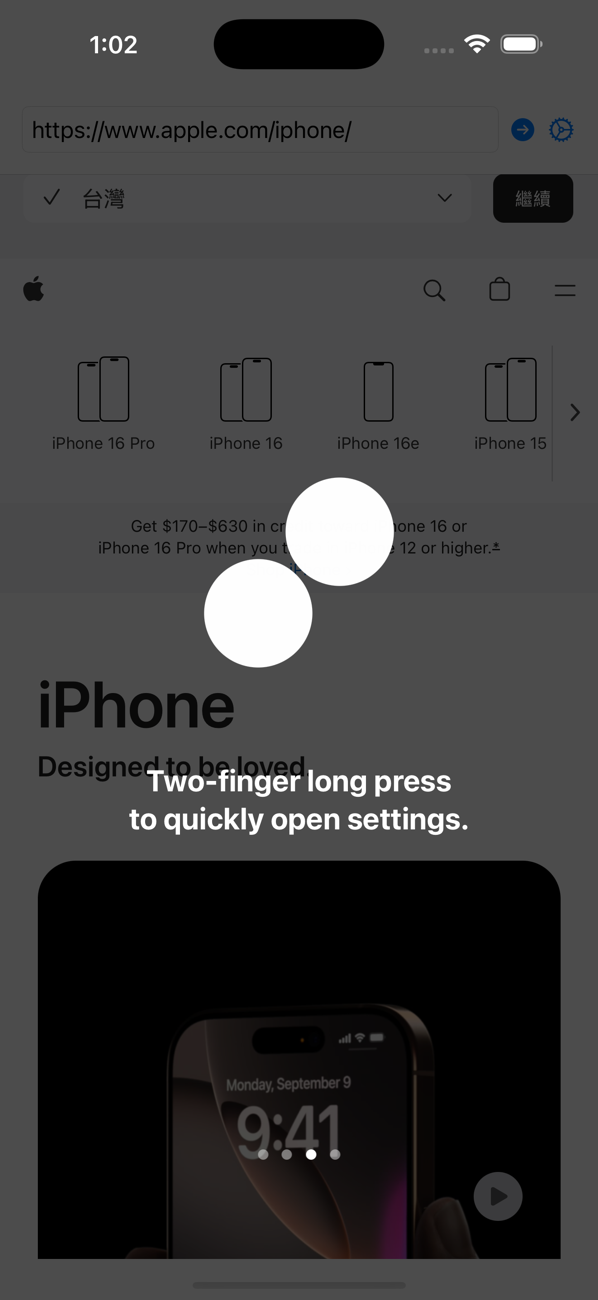
Designed three two-finger gestures to keep the interface clean while packing in functionality: single tap hides the URL bar to simulate a no-UI state, double tap opens the web console, and long press opens the settings page. All features accessible without a single extra button.
Real-Device Testing & Iteration
Tested repeatedly on simulators and iPhones — fine-tuning padding values, gesture sensitivity, and UI transition animations. Whenever issues came up, I'd screenshot them for AI, fix, rebuild. Iteration was incredibly fast.
App Store Launch
Prepared screenshots, wrote the description, and passed App Review. Officially published on July 9, 2025 — free for any developer who needs to verify WebView behavior on real devices.
Screens
Real device captures from the App Store listing
Features
Three two-finger gestures + a full settings page
👆
Hide URL Bar
Two-finger single tap to simulate a no-UI WebView state
🔍
Web Console
Two-finger double tap to open and debug JavaScript in real time
⚙️
Settings Page
Two-finger long press to access all preferences
📐
Safe Area Padding
Adjust top/bottom padding to test WebView embedding values
🌐
User-Agent Simulation
Custom device HTTP headers to simulate different environments
🌏
Bilingual UI
Switch freely between Traditional Chinese and English
Insight
This is a textbook vibe coding story: turning an idea directly into a shipped product with AI.
From backend to fullstack to lead — I'd never written Swift, but I knew exactly what tools my team needed. AI let me leap over the technical barrier, handling everything from requirements to App Store launch on my own.
This isn't about replacing engineers — it's about empowering people with domain knowledge to build their own tools.